
What's New
The headline changes in recent Paddock releases, newest first. These are the things you’ll notice — not an exhaustive changeset. For the full, per-package detail see the changelogs on GitHub (server, web).
A theme runs through this stretch: Paddock grew from a place to chat with agents into a place where agents run on their own — fired by events and schedules, spawning and reporting back to each other — with the UI making all that unattended work legible at a glance.
0.38 — Send files & images to a keeper
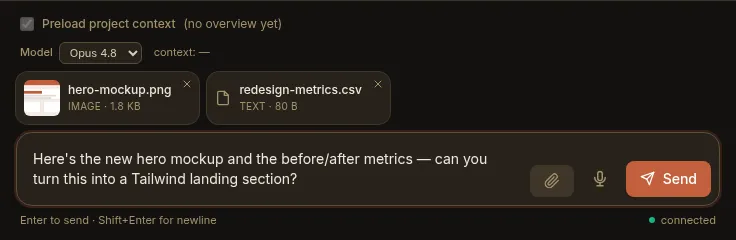
Section titled “0.38 — Send files & images to a keeper”- Attachments in the composer. Attach files and images to a message — pick them with the paperclip, drag & drop onto the composer, or paste (⌘V / Ctrl+V) a screenshot straight in. Staged files sit in a removable tray; images preview as thumbnails, everything else as a chip. The keeper reads them directly — native vision on images and PDFs, plain-text reads on the rest — and sent files stay with the chat, re-rendering on reload. Per-instance and per-project caps (default 25 MB/file, 10 files/message, all types) keep it sane. See Sending files & images.
0.37 — Triggers, unified
Section titled “0.37 — Triggers, unified”- One Triggers tab. The per-project Hooks tab and the Settings → Schedules section merged into a single Triggers list. Every trigger type — schedule, event, and the reserved webhook — lives in one place, each row showing its type, its firing condition, a capability summary, and an enabled toggle.
- One self-management surface. The old
set_hook/set_scheduletool families are replaced by unifiedset_trigger/list_triggers/remove_trigger, carrying the trigger type, its run, and enabled — so a keeper declares any kind of trigger the same way. - Schedules can be scoped. A schedule that declares a tool allow-list now runs on its own scoped agent with just those tools (like an event trigger); a schedule with no tools keeps running as the keeper, as before.
- The sweeper is a trigger. Post-turn curation is now the implicit default
curate-overviewtrigger — declare one to give a project a bigger model or extra instructions, or disable it entirely. Undeclared projects curate exactly as before. See The sweeper.
0.36 — Streaming, and session mode by default
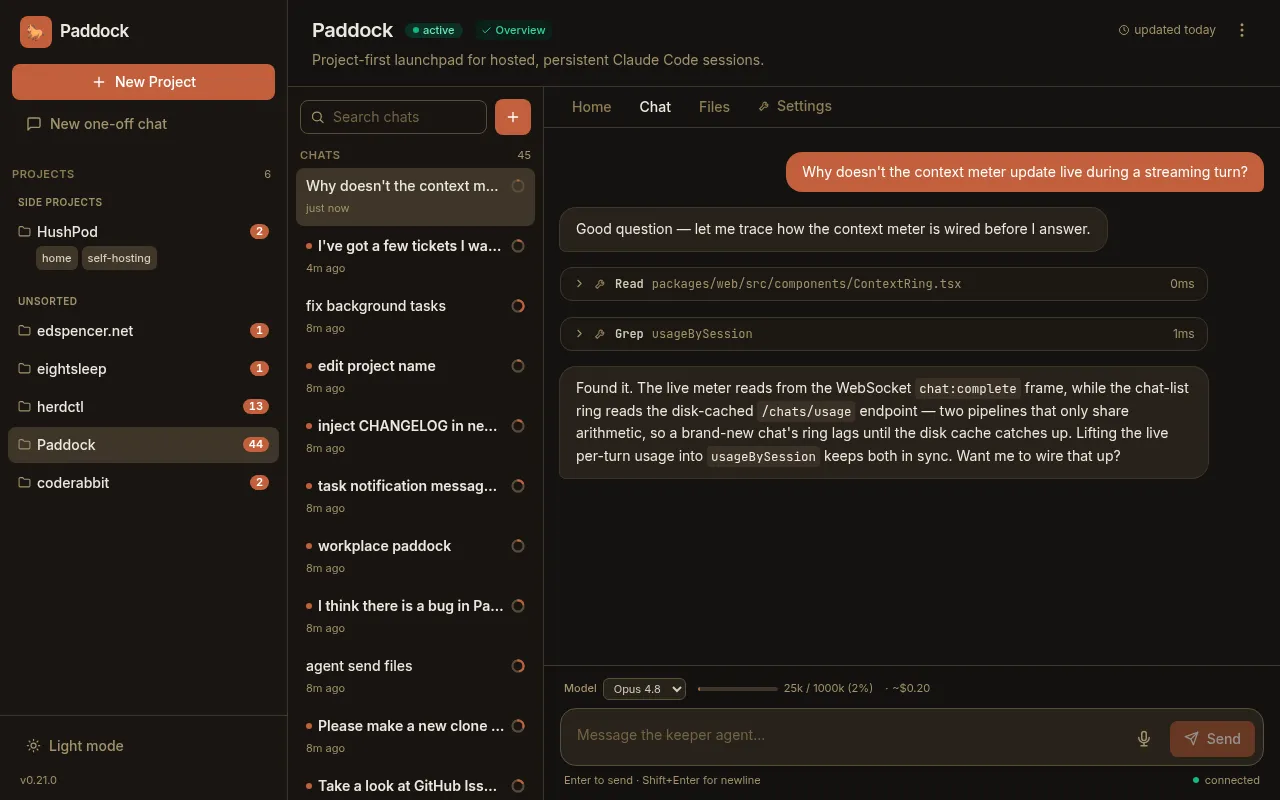
Section titled “0.36 — Streaming, and session mode by default”- Token-by-token streaming. In session mode a keeper’s reply now accretes into the live bubble as it’s written, instead of appearing all at once when the turn finishes. (Batch mode still renders each message whole.) See Token-by-token streaming.
- Session mode is the default. A fresh instance now drives keeper turns through
the persistent session (SDK) runtime by default, so cross-turn autonomy
(
ScheduleWakeup,/loop) and streaming work out of the box.PADDOCK_KEEPER_DRIVE_MODE=batch(and the per-projectdriveMode) still switch back to the one-shot path. - The trigger foundation. Under the hood, hooks and schedules were unified onto
one discriminated trigger model (
schedule/event/webhook) over a single execution core — the groundwork the 0.37 Triggers tab is built on.
0.35 — Keepers that unstick themselves
Section titled “0.35 — Keepers that unstick themselves”- Keeper-chat recovery. When a keeper starts a background task and ends its turn while it’s still running, the task can be killed at the turn boundary and leave the keeper idle-but-alive. Paddock now surfaces that as a distinct amber “background task terminated — the keeper is idle” affordance with a one-click Continue that wakes the keeper to finish or report. An optional automatic re-drive (off by default) does the same without you. See Keeper-chat recovery.
0.34 — Event hooks
Section titled “0.34 — Event hooks”- Event hooks. Run an agent turn automatically when a lifecycle event fires.
The first event is
onArchive— when a chat is archived, each of the project’s enabled hooks fires as its own agent. A hook’s granted tools are its capability: a hook that must tidy up is givenBashand does the work itself. New hooks start disabled, so nothing runs until you arm it. - Hook chats are visible and legible. A hook run shows up in the chat list with a small lightning-bolt badge, and opening it floats a read-only banner telling you it’s a hook agent, what event triggered it, and exactly which tools it was granted.
- Manage hooks from a chat. Keepers with the opt-in hook MCP can declare,
edit, and remove their own hooks (
list_hooks/set_hook/remove_hook). - Steer the sweeper per project. Drop a
.paddock/hooks/sweep.mdfile in a project and its contents are appended to the sweeper’s instructions — so each project can shape how itsOVERVIEW.md/CHANGELOG.mdget curated.
0.33 — Who sent this, and a lighter stream
Section titled “0.33 — Who sent this, and a lighter stream”- Per-message attribution. Machine-injected turns now say who added them —
”↩ sent by ⟨chat⟩” for a
send_messagefrom another chat, or ”⏰ scheduled by ⟨name⟩” for a schedule fire. Human-typed messages stay unlabelled. An injected message also streams into an already-open chat immediately, no refresh needed. - Schedule yourself from a chat. New self-management tools let a keeper create
and manage its project’s durable schedules (
set_schedule/remove_schedule/list_schedules) — “schedule yourself to triage issues every morning” — not just a human clicking through Settings. - Cheaper streaming. The CPU cost of watching a chat stream dropped sharply:
the continuous 60fps animations were trimmed, respect
prefers-reduced-motion, and pause while the tab is in the background.
0.32 — Schedules & run history
Section titled “0.32 — Schedules & run history”- Scheduled chats. A project can declare schedules (cron or interval) that start a chat on their own. A scheduled run is a first-class chat — it streams live, is re-attachable, and a human can open it and keep the conversation going. Manage them from a Schedules section in the project’s Settings, including enable/disable and trigger-now.
- “While you were away.” A new project History tab lists recent runs with their origin (human / scheduled / spawned), flags the ones that are new since you last looked, and banners how many ran unattended — so cron-fired and agent-spawned work is easy to find and open.
0.31 — Provenance, spawn-depth & YAML config
Section titled “0.31 — Provenance, spawn-depth & YAML config”- Provenance badges. The chat list marks scheduled and spawned chats with a subtle icon, so the runs that happened without you stand out from the ones you started. Human chats stay unadorned.
- Spawned children can report back. A chat spawned by another chat now gets the
self-management tools (bounded by a new
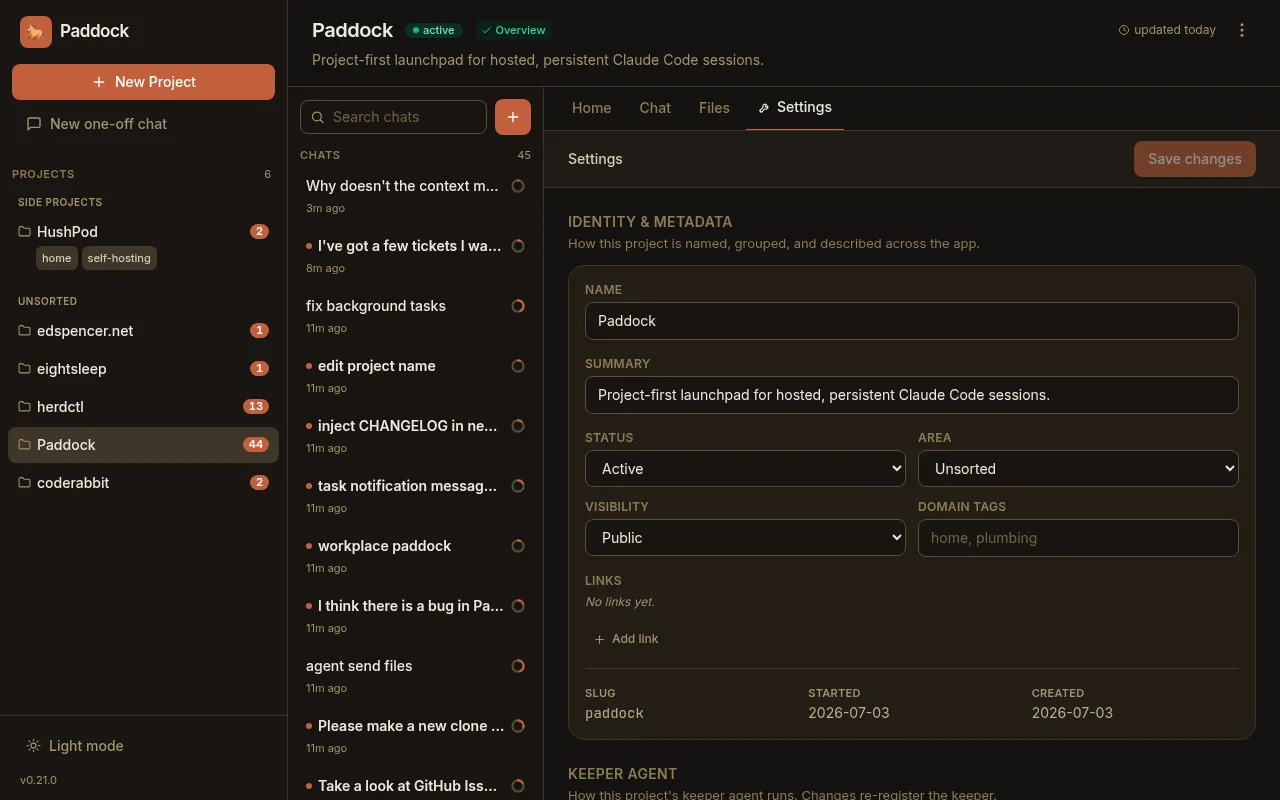
maxSpawnDepth, default1), so a child cansend_messageits parent when it’s done — enabling the manager-agent pattern without runaway recursion. - Configure an instance from a YAML file. Instead of a long list of
PADDOCK_*environment variables, an instance can keep its settings in a singlepaddock.config.yaml— with environment variables still overriding the file. Env-only deployments are unaffected.
0.30 — Files, Changes & self-archiving
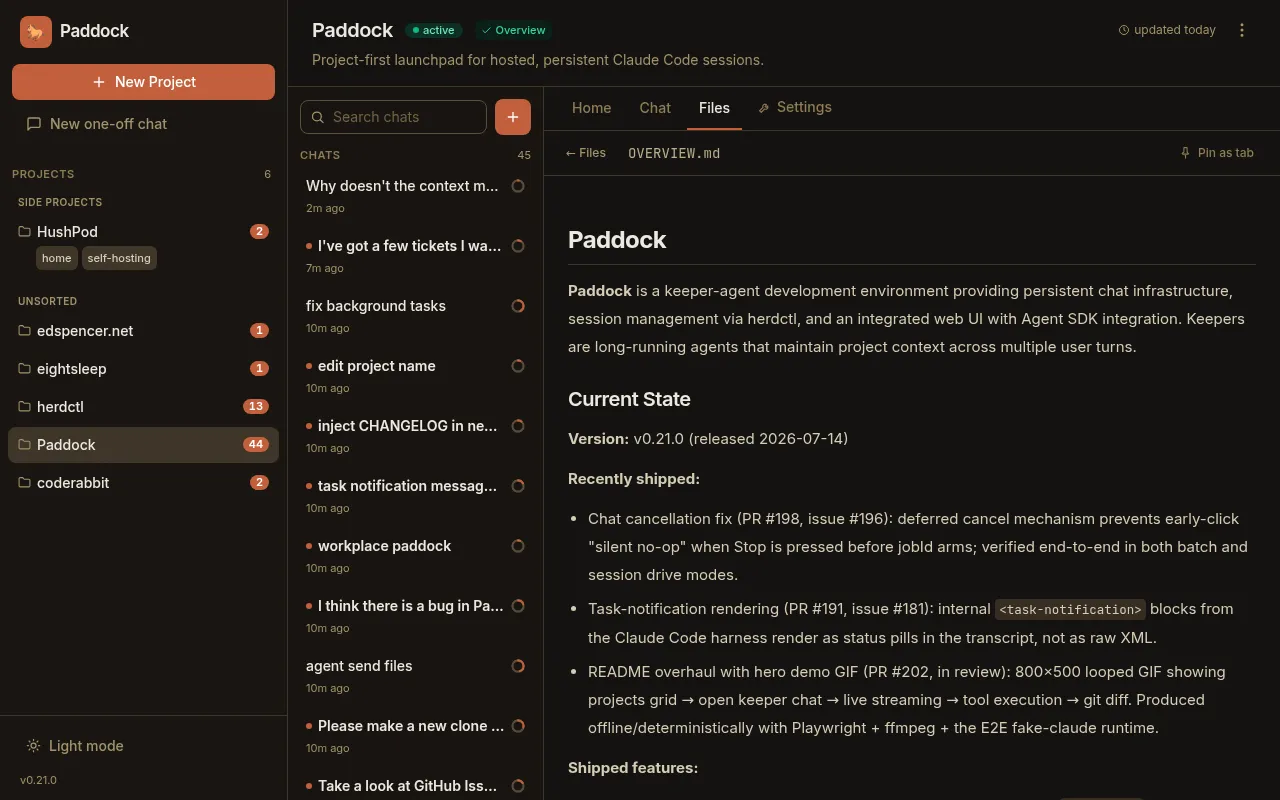
Section titled “0.30 — Files, Changes & self-archiving”- Browse into subdirectories. The Files tab now lets you click into folders,
with deep-linkable, refresh-safe URLs and a breadcrumb — so anything a project
filed under
design/,docs/, etc. is finally reachable. - Selective commits. The Changes tab gained a checkbox per changed file (with
select-all/none) and a “Commit N selected” action, a
+A −Rline stat per file, and a dirty-file count on the projects grid so pending work is visible before you open a project. - Agents can archive themselves. New
archive_chat/unarchive_chatself-management tools power the “do the work, then archive myself on success; leave un-archived on failure so a human sees it” convention.
0.29 — First-class MCP tool rendering
Section titled “0.29 — First-class MCP tool rendering”- Paddock’s own tools render as first-class UI. Every
mcp__…tool call now shows a humanized name (mcp__paddock_manage__create_chat→ “Create chat”) with a brand badge instead of the raw string, and thepaddock_managetools get rich bodies parsed from their output — project chips, a chat list with live running dots, transcript previews — that link straight into the chats they touched.
Maintaining this page: add a short, user-facing entry here whenever you cut a release (see RELEASING.md).